Office Communicator Setup
This tutorial will guide you through installing Microsoft Office Communicator and configuring it for DreamNet use.
Installing Communicator
Section titled “Installing Communicator”- Browse to
S:\Software\Microsoftand runOffice Communicator 2007R2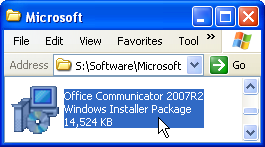
- Once the setup launches, click through the installer until it starts installing.
- Once the installer is finished, click Finish and launch Office Communicator 2007 R2 from the start menu.
- Browse to
S:\Software\Microsoftand runOffice Communicator 2005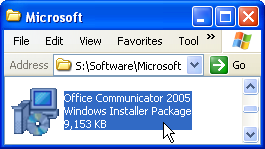
- Once the setup launches, click through the installer until it starts installing.
- Once the installer is finished, click Finish and launch Office Communicator 2005 from the start menu.
Configuring Communicator
Section titled “Configuring Communicator”None required! You should just be able to open the application and be automatically signed in. If you have any trouble, please contact support
- idk i couldnt get it working, your login name is
sip:yourdomainuser@dreamnet.corp